10 App for Budgeting Picks for Credit-Card Debt
Several credit-card balances can turn an ordinary month into a moving target. Minimum payments arrive on different dates, interest keeps changing the balance, and recurring subscriptions consume money that could have gone toward repayment. A useful app for budgeting needs to do more than classify transactions. It should help a consumer see available cash, protect the planned debt payment, and understand whether the chosen repayment method can work.
The right choice depends on the preferred budgeting method, the need for payoff visibility, the household setup, the device ecosystem, and comfort with bank syncing. Budgeting apps have become a substantial commercial category, with one estimate placing the global market at USD 5.2 billion in 2025 and projecting USD 9 billion by 2032 (market estimate). That growth reflects demand for recurring money-management tools, but it doesn't make every app suitable for credit-card debt.
Legal questions also require care. Debt after death doesn't have one national answer. The result depends on the state, whether the deceased person was a joint account holder or an authorized user, and the type of account involved. The Consumer Financial Protection Bureau explains that rules vary, including special considerations in the nine community property states. An app can organize payments, but it can't determine legal responsibility.
The comparison below focuses on payoff planning, repayment behavior, syncing, privacy, household use, and paid features. Debt Help U's no-login, in-browser calculators can supplement an app by estimating minimum-payment timelines, testing extra payments, and comparing snowball and avalanche plans. Those tools support a budgeting workflow, but they don't replace financial advice, legal guidance, or a debt-relief assessment.
Table of Contents
- 1. YNAB
- 2. Tiller
- 3. Goodbudget
- 4. EveryDollar
- 5. PocketGuard
- 6. Rocket Money
- 7. Quicken Simplifi
- 8. Monarch Money
- 9. Copilot Money
- 10. Honeydue
- Top 10 Budgeting Apps, Side-by-Side Comparison
- Choose the Workflow You Will Actually Use
1. YNAB
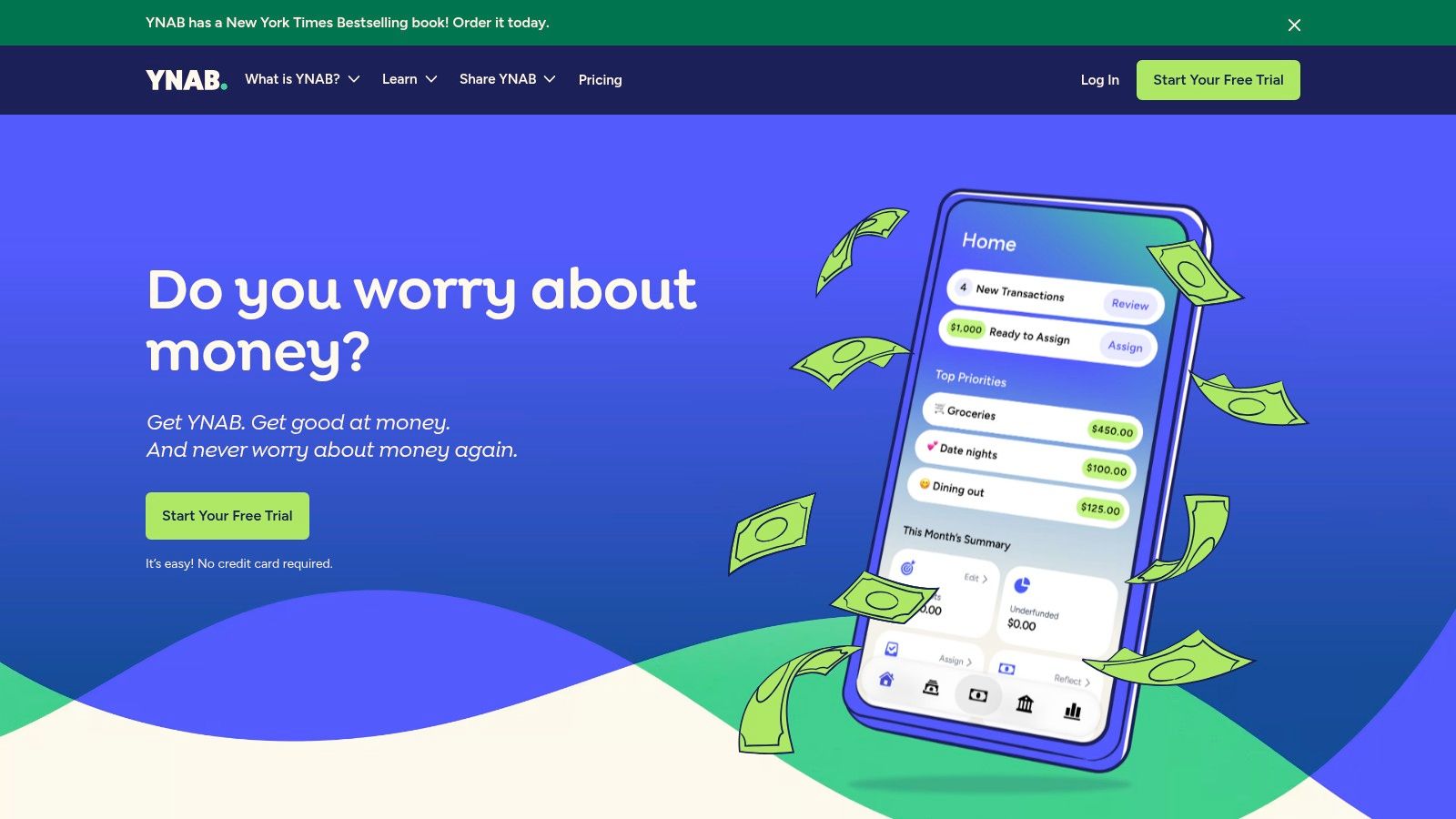
YNAB suits consumers who need a budgeting method before they need a prettier spending dashboard. Its central approach assigns every available dollar to a category, so a credit-card payment competes visibly with groceries, subscriptions, savings, and other priorities. That structure can make repayment behavior more deliberate because an extra payment isn't treated as leftover money. It has to receive an explicit assignment.
The app supports category Targets and progress tracking, along with debt-management and loan-payoff visualizations. That combination gives a cardholder a way to connect a monthly budget with a longer repayment objective rather than tracking spending in isolation. YNAB offers access through the web, iOS, and Android, and its educational resources include free workshops and guides (YNAB's official site).
Where it helps with card repayment
YNAB's method is useful when overspending is the main obstacle. A consumer can create a category for the required payment, another for an additional principal payment, and separate categories for expenses that might otherwise land on a credit card. The method also encourages forward planning, which can reduce the need to use a card for predictable bills.
The learning curve is real. Tracker-style apps may feel easier at first because they mostly report what already happened. YNAB asks users to make decisions before spending, maintain categories, and adjust assignments when plans change. The subscription cost may also feel high for a household already trying to reduce expenses.
Practical rule: A method-first app works best when the household is willing to review categories before spending, not only after a card statement arrives.
YNAB's own debt view shouldn't be the only repayment test. A consumer can pair it with Debt Help U's debt snowball versus avalanche guide to compare motivation-focused ordering with interest-focused ordering.
2. Tiller
Tiller takes the app for budgeting concept into Google Sheets and Excel. Automated daily bank feeds populate spreadsheets, while templates support budgets, debt payoff, and net-worth tracking. For a consumer who wants to model several cards, changing payment amounts, irregular income, or household cash flow, that flexibility can be more valuable than a polished mobile dashboard.
The trade-off is effort. Tiller requires setup, spreadsheet maintenance, and enough comfort with formulas and layouts to keep the system usable. The result can be highly specific, but it won't automatically remove the work of deciding how categories, payments, and payoff scenarios should interact. Tiller also provides community and support resources, and its official service includes a 60-day money-back guarantee (Tiller's official site).
A strong fit for scenario planning
A spreadsheet can show what happens when the payment on one card rises while another falls. It can also separate recurring expenses from discretionary purchases and create a custom repayment view that an app's preset categories may not provide. This matters when a consumer wants to test whether a fixed additional payment can survive an entire month.
Tiller is less suitable for someone who wants a fully managed experience with minimal maintenance. Daily feeds can reduce manual entry, but imported transactions still need review and categorization. Bank connectivity also introduces the usual questions about account access, supported institutions, and reauthentication.
A practical pairing is Tiller for the household budget and Debt Help U's extra-payment calculator for credit cards for an independent check of how an added monthly amount changes repayment timing and interest. The spreadsheet can hold the plan, while the calculator can test the debt assumptions without requiring an account.
3. Goodbudget
Goodbudget is built around digital envelopes. Instead of treating the budget as one large pool, a household assigns money to categories such as housing, food, transportation, and debt payments. That makes the repayment decision visible: money placed in a debt envelope is less likely to be mistaken for available spending cash.
The app works on the web and mobile devices, supports shared household budgeting, and offers free and paid tiers. Premium adds automatic bank syncing and pending-transaction import, while the website provides reports and CSV export (Goodbudget's official site). A free tier can make the method easier to test before a household commits to a paid workflow.
Why envelopes can change repayment behavior
Envelope budgeting is especially useful when card balances grow because of variable spending. A consumer can set a firm limit for dining, shopping, or entertainment and reserve the debt-payment envelope before discretionary categories absorb the month's income. That doesn't calculate the exact payoff date by itself, but it can protect the cash needed for the planned payment.
Goodbudget's limitations matter for more complex debt situations. Premium pricing details are primarily presented during signup or in the app, and the feature depth is below some newer tools centered on broader aggregation or automated insights. Manual entry may also be preferable for privacy-conscious households, but it creates more maintenance.
The app makes the most sense for couples who agree with the envelope method and want shared visibility without adopting a more complicated zero-based system. It isn't a substitute for comparing repayment orders across multiple cards, so payoff projections should be checked separately before an envelope is labeled “debt payoff.”
4. EveryDollar
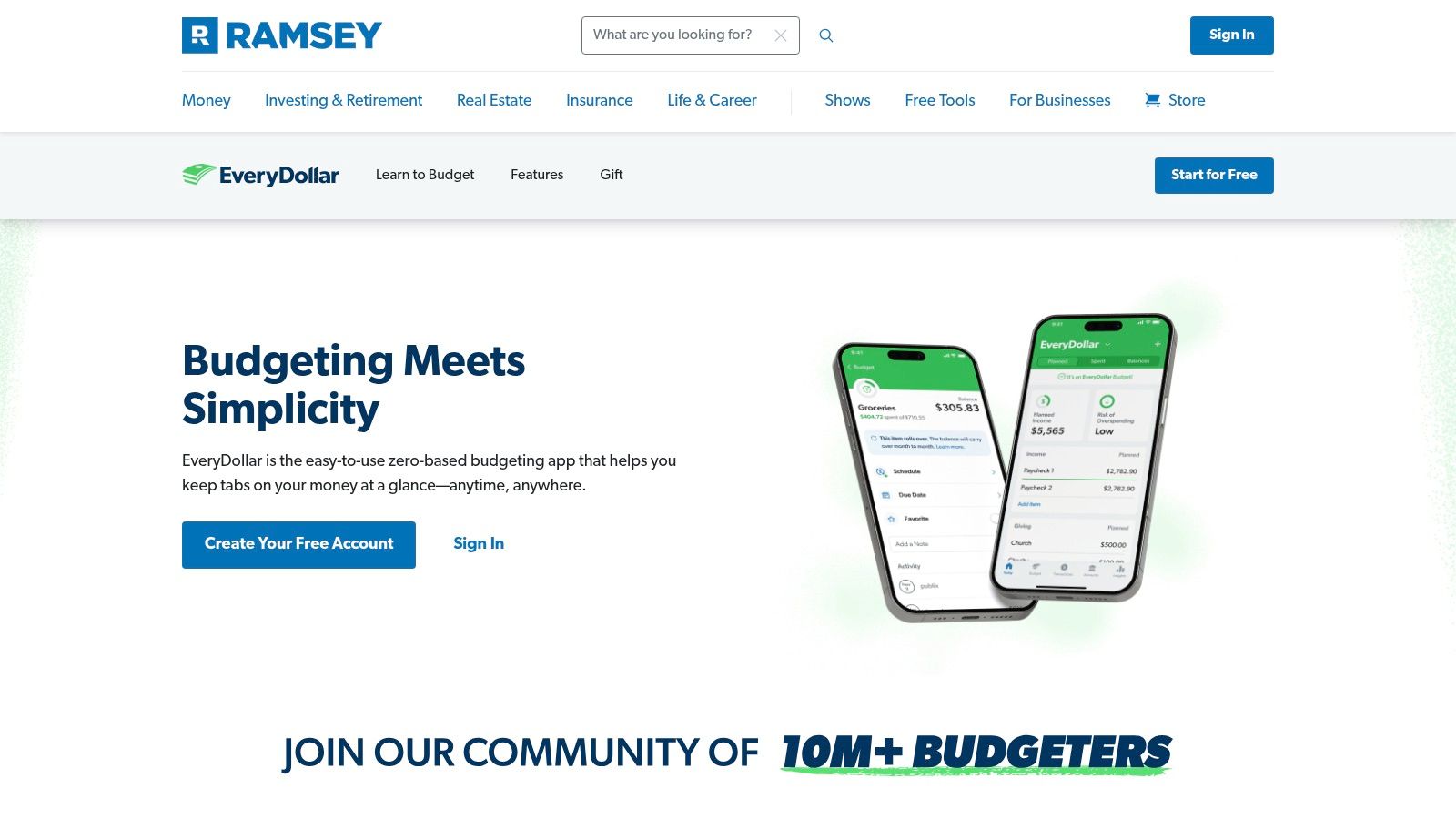
EveryDollar follows a monthly zero-based budget aligned with Ramsey Solutions' Baby Steps. The approach asks consumers to account for income across spending, saving, and debt categories rather than treating the card payment as whatever remains at the end of the month. For households already using Ramsey's framework, that consistency can reduce the friction of learning a separate method.
The free plan supports budgeting and spending tracking. Premium adds bank connections through Plaid and Mastercard Connect, Insights reporting, and automations. New users receive a 14-day Premium free trial, and the app connects with Ramsey's Financial Peace University resources (EveryDollar's official product page).
The cost of automation
EveryDollar's free version is more manual, which can be useful for someone who wants to avoid linking accounts. It can also become burdensome for a consumer with several cards and frequent transactions. Automatic imports and advanced reports require Premium, so the convenience of synchronization is tied to a paid feature set.
The app is approachable for consumers who want guided zero-based budgeting, but its debt usefulness depends on how much detail the household enters. A budget can reserve a payment and track spending, yet it doesn't automatically settle questions such as whether the highest-interest card or smallest balance should receive the next extra payment. The budgeting method creates discipline, while the repayment strategy still needs a deliberate choice.
U.S. availability is emphasized for the mobile app and Premium features. Consumers outside that use case should verify access before building a household workflow around the service. Consumers who prefer the Ramsey method and already use Financial Peace University resources will likely find the strongest fit here.
5. PocketGuard
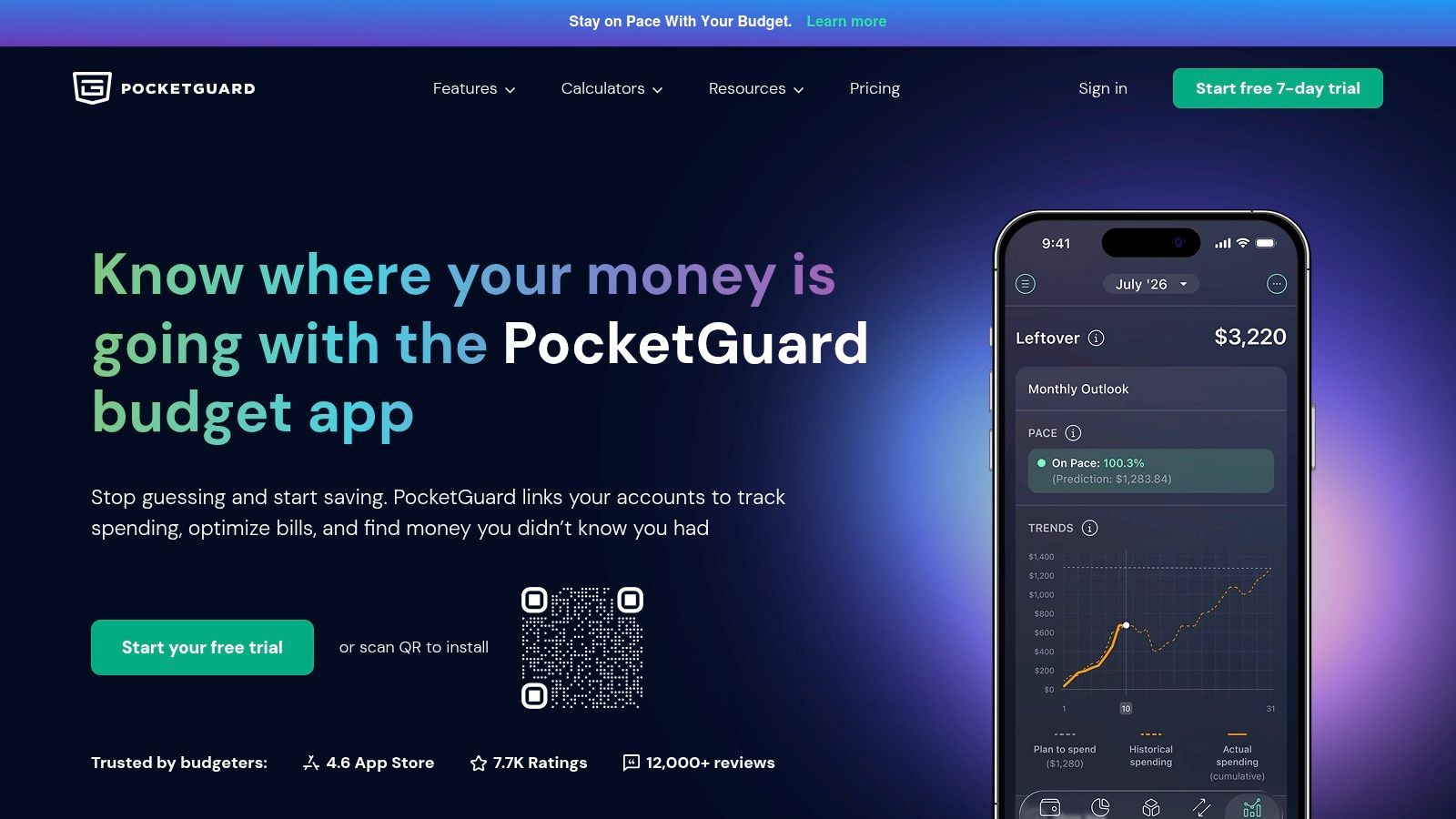
PocketGuard frames the monthly decision around “In My Pocket,” its view of money available for spending after accounting for obligations and goals. That framing can help a cardholder answer a practical question: how much can be spent without consuming money reserved for bills and debt payments?
The app supports zero-based, envelope, and category-style budgeting. It also includes subscription tracking, goals, rollover budgeting, spending insights, and a debt payoff planner. Web, iOS, Android, and Apple Watch access give it broad device support (PocketGuard's official site).
A useful view of leftover cash
PocketGuard can be a good fit for a consumer who doesn't want to manage every category in detail. The leftover-cash view turns the budget into a simpler spending boundary, while subscription tracking can expose recurring charges that compete with card repayment. Its debt payoff planner adds more direct relevance than a tracker that only labels transactions.
Most powerful features, including bank syncing and rules, are in Premium. The premium feature trial is seven days, so a short test may not reveal how well the app handles a full statement cycle, irregular bills, or a payment date that falls outside the household's usual cash-flow pattern.
The most useful leftover-cash number is the amount that remains after the next required card payment, not merely the amount visible before the statement closes.
PocketGuard offers competitive pricing options, including a lifetime plan, but consumers should compare the paid features with the value of the debt workflow they specifically need. If the main problem is recurring-charge leakage, Rocket Money may be more targeted. If the main problem is a complex payment schedule, a spreadsheet or dedicated calculator may offer greater control.
6. Rocket Money
Rocket Money is strongest when recurring charges are undermining a repayment plan. It syncs transactions, supports budgets and spending insights, and provides subscription tracking and cancellation tools. An optional bill-negotiation service can pursue lower bills, while the Premium tier uses an AI assistant called Rowan (Rocket Money's official site).
For a consumer carrying card balances, the value isn't only seeing a subscription list. The important step is converting a canceled or reduced recurring charge into a committed extra payment. If a household removes an unwanted service but leaves the money available for new spending, the card balance may not change. Rocket Money can identify the leak, but the budget still needs a repayment category and a transfer rule.
Read the service boundaries
Rocket Money has free and premium tiers, and its Premium pricing uses a flexible “pay-what-you-think-is-fair” model. Some features remain behind Premium or Premium+ paywalls. Bill negotiation can also involve success-based fees, so a consumer should understand the fee before authorizing that service and compare the expected saving with the cost.
The app's focus on subscriptions and bills makes it less of a complete debt-payoff system than YNAB or a custom Tiller workbook. It can still play an important supporting role by improving cash flow before a payoff plan is set. A consumer deciding how to direct payments can consult Debt Help U's credit-card payment options guide after recurring charges have been reviewed.
Rocket Money requires careful attention to account syncing and permission choices. Bank feeds can reduce manual work, but consumers should know which accounts are connected and whether the convenience is worth the data access.
7. Quicken Simplifi
Quicken Simplifi focuses on automated account syncing, a spending plan, projected cash flow, savings goals, and future-balance forecasting. That makes it useful for a consumer whose debt problem is tied to timing. A payment may be affordable across the month but still cause a shortfall if a paycheck arrives after the card due date.
The app offers web and mobile access, subscription and bill tracking, basic investment tracking with IRR and TWR measures, and a support library (Quicken Simplifi's official product page). Its dashboards are designed for straightforward onboarding rather than the detailed maintenance required by a spreadsheet.
Cash-flow clarity without a full debt method
Simplifi can show projected balances and help a household avoid spending money already reserved for a payment. That is valuable for preventing new card charges caused by a temporary cash-flow gap. It doesn't replace a dedicated snowball or avalanche plan, however, so consumers with multiple balances may need a separate payoff view.
The app has broad bank connectivity, but any aggregation service can encounter unsupported institutions, connection interruptions, or requests to reauthenticate. A consumer who wants maximum privacy may prefer manual entry or a local spreadsheet. A consumer who values current balances and low maintenance may accept syncing after reviewing permissions and security information.
Simplifi doesn't include bill pay, and its reporting and reconciliation tools are more limited than desktop Quicken. Those boundaries matter when a household expects the app to manage payments rather than forecast them. Simplifi is best treated as a cash-flow control center, not a debt-relief provider or a replacement for creditor-specific payment instructions.
8. Monarch Money
Monarch Money combines spending, budgets, investments, goals, and household collaboration in an ad-free environment. It supports web, iOS, and Android access, and its features include assigning transactions, marking items for review, exporting data, and creating advisor-friendly views. For households managing shared and separate accounts, that collaborative layer can be more important than a single-user payoff chart (Monarch Money's official site).
The service emphasizes privacy and states that it doesn't sell financial data. Its core experience is paid-only, so consumers should decide whether household planning and aggregation justify a subscription before moving every account into the system.
Shared visibility can prevent repayment conflict
Credit-card debt often becomes a household coordination issue. One person may see a payment as a priority while another sees the same funds as available for a large purchase. Monarch's shared features can assign transactions and identify items needing review, giving partners a place to resolve those disagreements before the budget is exhausted.
The app supports long-term planning and aggregation, but its investment features are aimed at planning and monitoring rather than active trading. That isn't a problem for debt users unless they expect one dashboard to execute every financial task. The more relevant question is whether the household can turn a unified view into a fixed payment commitment.
Bank connectivity deserves review even with a clear privacy stance. Aggregation can fail for unsupported institutions or require repeated authentication, and a consumer should keep a backup record of card balances and due dates. Monarch works well for a household that wants broad financial context, but a dedicated calculator remains useful for testing interest and payoff assumptions.
9. Copilot Money
Copilot Money is designed for consumers who value a polished interface, automated categorization, and integrated views of spending, subscriptions, investments, and net worth. It imports transactions, supports rules, and tracks investment performance and allocation. Native apps cover iPhone, iPad, and Mac, with a web app available as well (Copilot Money's official site).
Best for Apple-centered tracking
For an Apple-focused household, Copilot can make frequent review feel less demanding. Smart categorization and rules reduce repetitive work, while subscription tracking can identify charges that should be redirected to repayment. A clean interface can support habit formation, but visual polish doesn't automatically produce a debt strategy.
Copilot doesn't offer an Android app, which makes it a poor fit for a mixed-device household that needs equal access. It also uses a subscription model and doesn't provide a free full-featured tier in the stated product offering. Those costs should be weighed against the household's actual need for investment and net-worth tracking.
A cardholder can use Copilot to monitor spending and set a recurring payment target, then validate the target with an independent payoff calculation. That separation is helpful because a tracker describes financial activity, while a calculator tests how balance, APR, and payment amount affect the projected timeline. Copilot is a strong choice for Apple-centric tracking, not a formal debt-relief service.
10. Honeydue
Honeydue is built specifically for couples who want shared visibility without a mandatory subscription. It supports shared budgets, bill reminders, transaction conversations, and bank syncing on iOS and Android. An optional tipping model replaces mandatory fees in the core experience (Honeydue's official site).
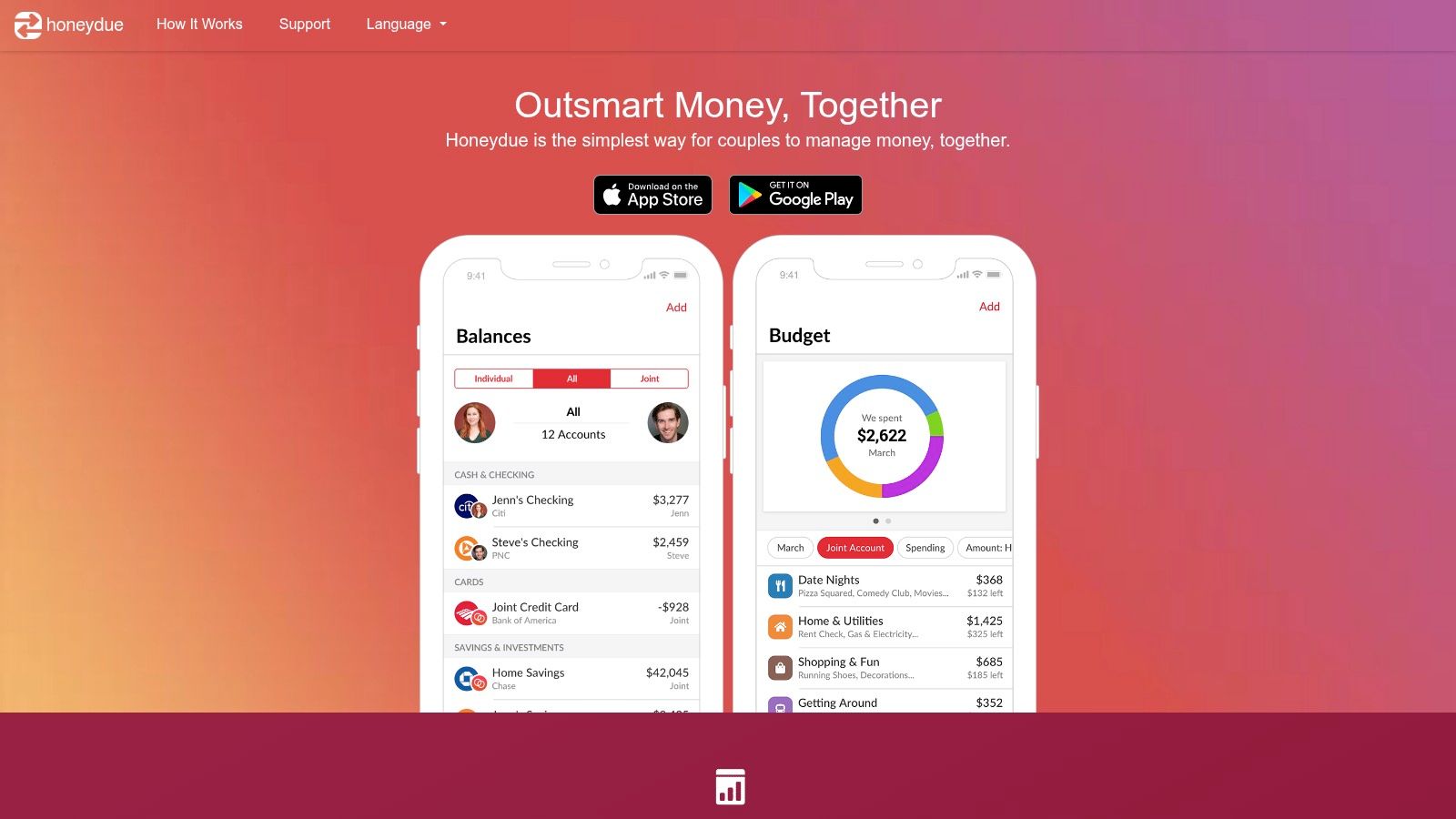
The app can help partners coordinate which bills are due, who handles a payment, and whether a card transaction needs discussion. That makes it useful when debt repayment fails because information is split between two people. A shared view can also reduce duplicate spending from accounts that each partner assumes are available.
Simple coordination, limited debt depth
Honeydue has a light learning curve and a free core app, but it isn't designed as a payoff planner. Couples will likely need another tool to compare repayment orders, estimate interest, or model an extra payment. The optional tipping model also means the service doesn't use the same paid-tier structure as many competitors.
Honeydue no longer issues new debit cards because that program closed in 2023. Consumers evaluating the app should focus on its budgeting, reminders, messaging, and account-visibility functions rather than expecting a current card product.
Bank syncing creates the same privacy and reliability questions found elsewhere. Couples should agree on which accounts to connect and which transactions should remain private or manual. Honeydue is the clearest fit for shared coordination, while a separate calculator can supply the payoff mathematics.
Top 10 Budgeting Apps, Side-by-Side Comparison
| App | Core features ✨ | Debt & payoff fit 🏆 | UX/Quality ★ | Price/value 💰 | Target audience 👥 |
|---|---|---|---|---|---|
| YNAB (You Need A Budget) | ✨ Zero-based budgets, goals, debt-payoff visuals | 🏆 Excellent for proactive payoff planning; pairs well with payoff simulators | ★★★★ | 💰 Paid subscription; family share up to 5 | 👥 Method-first users focused on discipline & payoff |
| Tiller | ✨ Automated daily bank feeds into Sheets/Excel; templates | 🏆 Ideal for custom payoff modeling, DTI and scenario analysis | ★★★★ | 💰 Paid (spreadsheet add-on); 60‑day guarantee | 👥 Spreadsheet‑savvy users who customize workflows |
| Goodbudget | ✨ Envelope-method budgeting; shared household sync | Good for simple payoff tracking across shared budgets | ★★★ | 💰 Free tier; Premium adds bank sync | 👥 Couples/households preferring envelope system |
| EveryDollar (Ramsey) | ✨ Zero-based monthly budgets; FPU integration | Good for Baby‑Steps payoff plans; basic payoff visuals | ★★★ | 💰 Free + Premium for bank auto-import | 👥 Ramsey followers & guided zero‑based users |
| PocketGuard | ✨ “In My Pocket” leftover view; subscription tracking | Useful for quick payoff estimates and spare‑cash allocation | ★★★★ | 💰 Freemium; short Premium trial; lifetime option available | 👥 Users wanting simple leftover‑cash budgeting |
| Rocket Money | ✨ Subscription/bill management; optional bill negotiation | Indirect debt relief by cutting recurring costs; negotiation optional | ★★★ | 💰 Freemium; negotiation may incur success fees | 👥 Users seeking bill trims and subscription control |
| Quicken Simplifi | ✨ Future balance forecasting; automated account sync | Strong for projected cash flow to avoid missed payments | ★★★★ | 💰 Paid subscription | 👥 Users wanting easy onboarding and cash‑flow forecasts |
| Monarch Money | ✨ Unified tracking, household collaboration, privacy‑first | Good for coordinated household payoff planning & long‑term goals | ★★★★★ | 💰 Paid; ad‑free, privacy stance | 👥 Privacy‑minded families & planners |
| Copilot Money | ✨ Polished UI, auto‑categorization, investments view (Apple) | Good net‑worth + payoff tracking for Apple users | ★★★★ | 💰 Paid subscription; ad‑free | 👥 Apple‑centric users valuing UI/UX |
| Honeydue | ✨ Shared budgets, bill reminders, in‑app chat for couples | Simple joint tracking useful for shared card debt management | ★★★ | 💰 Free core app; optional tipping model | 👥 Couples wanting shared visibility and coordination |
Choose the Workflow You Will Actually Use
The best app for budgeting is the one that supports the behavior required during a real repayment month. A consumer who opens an app once, sees a balance, and takes no action hasn't created a debt plan. A better test asks whether the tool protects required payments, exposes recurring charges, accommodates household decisions, and makes an additional payment easy to repeat.
YNAB and EveryDollar fit consumers who want structured zero-based planning. YNAB offers a method-first system with Targets, progress tracking, debt visualizations, and educational resources. EveryDollar is more natural for households already following Ramsey's Baby Steps or using Financial Peace University resources. Both require active allocation decisions, and EveryDollar's bank connections and advanced reporting are tied to Premium.
Goodbudget fits the envelope method. It can turn debt repayment into a protected category and works well for couples who want a shared web and mobile workflow. Tiller fits spreadsheet-oriented consumers who want full control over categories, cash flow, and payoff modeling. Tiller demands more maintenance, but that work can be worthwhile when a household has irregular income or wants to test several repayment scenarios.
PocketGuard and Quicken Simplifi are better for simpler cash-flow visibility. PocketGuard's “In My Pocket” view emphasizes available spending after obligations and goals, while Simplifi focuses on projected balances and future cash flow. Neither should be treated as a guarantee that a card will be paid by a particular date. The projection depends on accurate balances, APR information, payment behavior, and continued spending control.
Rocket Money is the most targeted option for recurring-charge cleanup. Its subscription tools and optional bill negotiation may help free cash, but consumers should review Premium access and any success-based negotiation fees. Monarch Money is more suitable for household planning, collaboration, and a broad financial view. Copilot Money fits Apple-focused consumers who prioritize interface quality and automated tracking, while Honeydue is the simplest choice for couples who want shared coordination without mandatory fees.
Bank syncing deserves a separate decision. Category and usage data suggest that mobile access is central to the category, with 64% of users accessing budget applications on mobile in one market report, and Android accounting for 53% of mobile users compared with 47% for iOS (budget-app market analysis). Convenience can make review easier, but live bank feeds may produce sync complaints, unsupported-institution problems, and repeated reauthentication (analysis of budgeting-app complexity). Manual entry can be slower, but it may suit consumers who want tighter control over account access.
The category's recurring use shows why fit matters. One consumer survey found that 88% of budgeting-app users rated the tools very helpful or extremely helpful, while bank-provided apps accounted for 47.7% of use and third-party tools such as YNAB or Rocket Money accounted for 29.4% (consumer survey report). The practical conclusion is not that one brand wins. Useful features, low effort, and a review habit determine whether an app remains part of a repayment routine.
A sensible test is one real repayment month. Check every card balance, record each minimum payment and due date, identify subscriptions, assign the planned extra payment, and review the budget before the next statement closes. Then use Debt Help U's minimum-payment calculator to estimate the payoff date and total interest, its extra-payment simulator to test a fixed addition, and its multi-card planning tools to compare snowball and avalanche priorities.
These tools and apps don't determine legal responsibility, guarantee debt-relief outcomes, or replace advice from a qualified professional. Debt after death requires state-specific consideration, especially in the nine community property states, and the analysis must account for whether the person was a joint account holder or merely an authorized user. The CFPB identifies Arizona, California, Idaho, Louisiana, Nevada, New Mexico, Texas, Washington, and Wisconsin as community property states, with Alaska included only when a special agreement is signed (CFPB guidance on debt after death).
Debt Help U offers free, no-login calculators and plain-language guides for payoff timelines, extra payments, repayment ordering, debt-to-income context, and comparisons of consolidation, settlement, and bankruptcy. The service operates as an educational and referral platform, not as a lender, creditor, collector, law firm, or debt negotiator. Consumers can use the calculators to pressure-test an app's projections before deciding whether the selected workflow is sustainable.
Consumers carrying credit-card balances can use Debt Help U for private, in-browser calculators that estimate payoff dates, interest, extra-payment effects, and multi-card repayment strategies without creating an account. Visit the site to compare the numbers behind a budgeting plan and review plain-language information about possible debt-relief options before requesting any referral.
Related guides
- Debt settlement vs. consolidation vs. bankruptcy Four paths out of unmanageable debt, what each one costs, and what each one breaks. Real numbers on a $30,000 balance, not a pitch for any of them.
- How long will it take to pay off my credit card debt? Your minimum payment shrinks every month. Following it down is what turns a five-year balance into a thirty-five-year one.
- Debt snowball vs. avalanche: which one finishes faster Avalanche always pays less interest. The gap is smaller than the argument about it suggests. Run both on your own balances and see what it is worth.